
 See Also
- Before deleting a query, make sure the query is the current query in the Query Name drop-down list.
- To select a query, click on the Query Name drop-down list, in the main window, and choose a query from the available queries.
Click on the picture for more information.
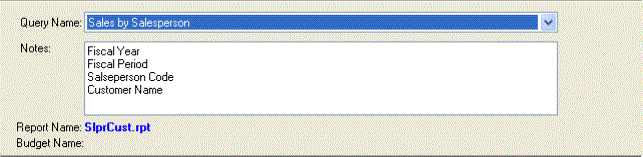
To delete a query, you have two options:
- Use the Delete button.
- Use the Delete option from the Query menu.
Either of these options will display the delete confirmation dialog box
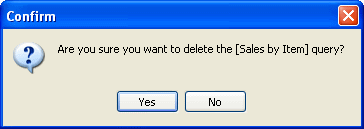
To delete the query, click Yes.
Note: You do not have to delete a query when you have finished viewing it.