
 See Also
To select an existing budget, click on the Budget Name pull down list, in the main window, and choose a budget from the available budgets.
Click on the picture for more information.
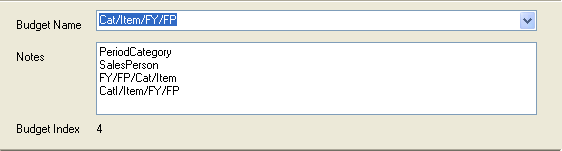
The main window shows the current budget’s name, notes, fields, the queries this budget is used in and the budget’s index.
Click on the picture for more information.
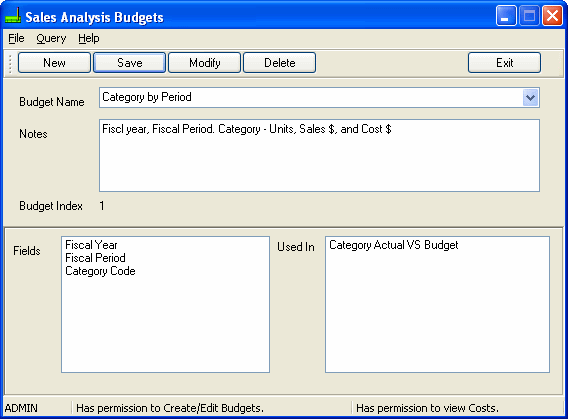
Click on the Exit button to close the Enter/Edit Budgets program.
Note: Each budget has a unique Budget Index number that is used to match budget information when importing and exporting budget details.