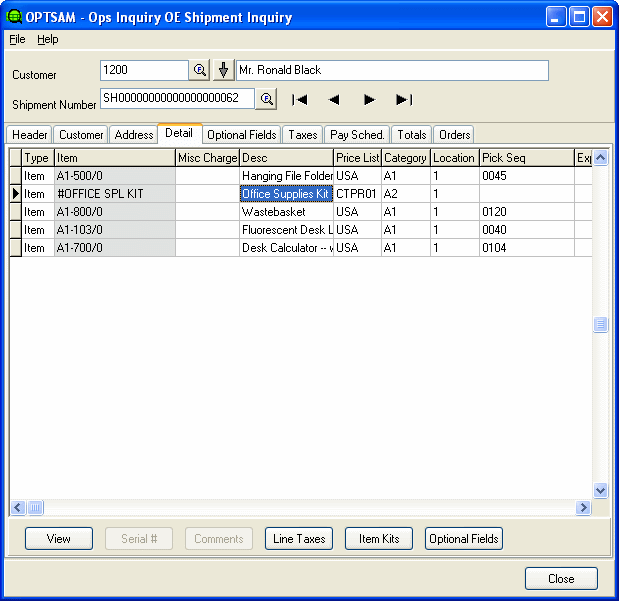
Shipment Detail Tab
The Shipment Detail screen shows the details lines for the currently selected shipment.
Drill down to the item information by double-clicking the item code in the Item column. This will open Item Inquiry to provide further details on the specific item.
Click the View, Serial #, Comments, Line Taxes, Item Kits/BOMs, and Optional Fields buttons at the bottom of the picture for more information on the selected line details.